Feed the Cups Guide: Shop Day, Rent, Stars, Combos, and Residential Area
How to run a drink shop in Feed the Cups, covering daily prep, orders, rent, store stars, combos, stress management, and chapter progression.
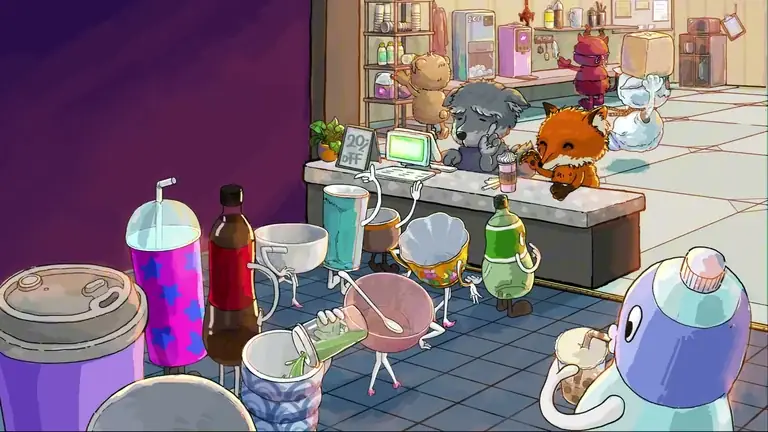
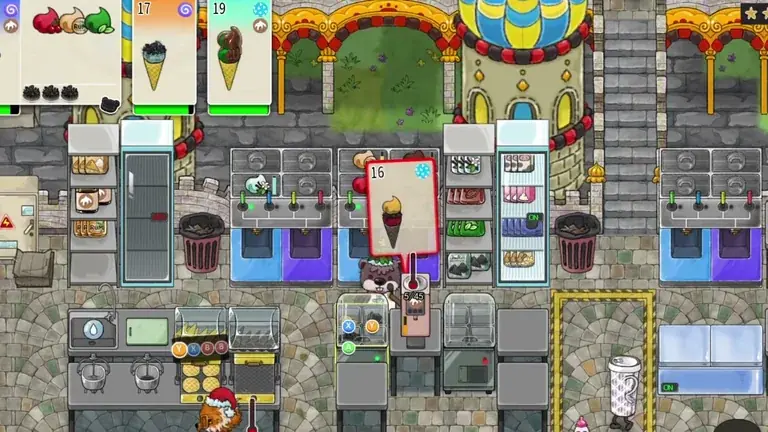
Running a drink shop in Feed the Cups splits every shift into stocking deliveries, prepping ingredients, taking customer orders, assembling cups, cleaning messes, and shutting down appliances before settlement. Across the game’s 8 chapters and 377 drinks, you open your first counter in  Residential Area as
 Bear, the one player character unlocked from the start among 8 total characters. Players starting on the free build can check the demo vs full game guide to see which chapters, characters, achievements, and house upgrades remain locked in the demo.
How a Shop Day Works
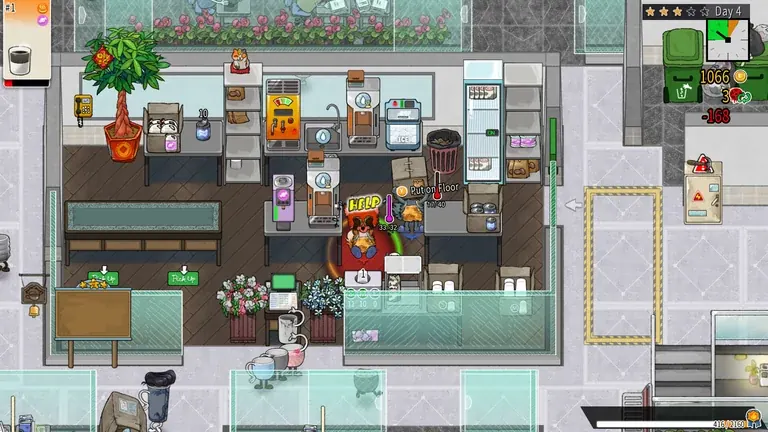
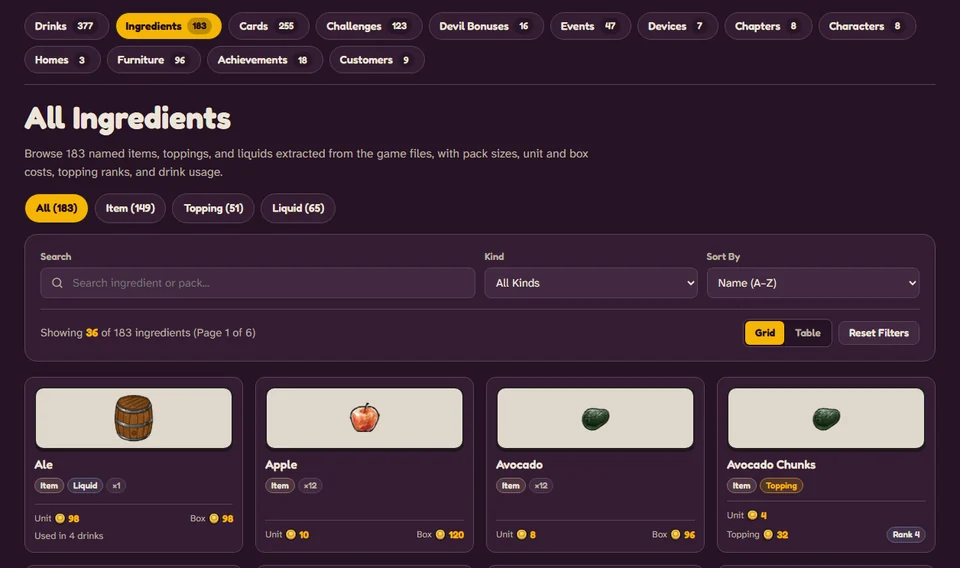
Before opening for customers, unpack delivered cartons onto shelves rather than leaving goods on the floor, because floor clutter slows your movement speed and boxes blocking walkways trigger customer complaints and extra stress. Book Man appears only prior to opening hours so you can spend cup coins on his stock, while regular supply refills are ordered over the phone; you can browse 183 ingredients (items, toppings, and liquids) in the ingredients catalogue to check pack sizes, unit and box costs, and drink usage. When prep is done, use the cash register to open early for extra selling hours and higher revenue, or wait until the clock enters its green business segment, where the shop opens automatically from the second day onward.
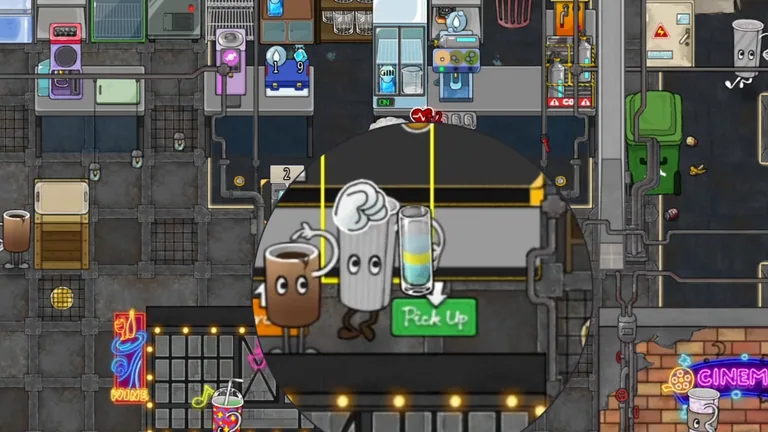
Once a customer finishes deciding at the counter, take their order at the register, pull the matching cup from the dispenser, and line up the cup number with the order ticket in the upper-left corner. Cup capacity scales directly with size — small cups take 2 liquid portions, medium cups take 4, and large cups take 6 — so every drink in the drinks catalogue depends on matching exact portion counts. Check each ticket for temperature, sweetness, and topping icons before setting the finished drink on the serving counter with empty hands to hand it off. Drinks mixed with the wrong liquids cannot be sold and belong in the trash can, though you can swap order numbers between cups when a valid drink lands under the wrong ticket; read the drinks and recipes guide for full prep chains and cup sizes.
When the clock hand reaches its orange section, finish every accepted order, then run through a closing sweep before settling the day at the cash register to prevent avoidable bills and next-day stress:
- Empty indoor trash cans and haul tied bags to the outdoor public bins, since every unemptied bin or leftover bag adds 2 stress to all staff the next morning, while heavy floor stains add 5 stress unless scrubbed with a mop washed at the mop sink.
- Shut down heated and powered stations when appropriate: leaving the Induction Cooker running poses a safety hazard with heavy electricity costs, an unemptied Boba Pot keeps pulling overnight insulation power, and leaving the Ice Machine or Steamer switched on trades extra utility charges for ready ice or preheated steam the next day.
- Clear leftover liquid out of any
 Teapot or
 Measuring Cup and chill perishables in a freezer, since standard perishables spoil after one day without cold storage (two days for longer-freshness stock), while cut fruit and room-temperature instant mixes spoil overnight.
- Browse 7 devices in the devices catalogue, including the
 Shaker for later mixed drinks; Ice Machine, Induction Cooker, Shaker, and Steamer also link to their Commercial and + upgrade cards.
Rent, Payments, Tips, and Avoiding Bankruptcy
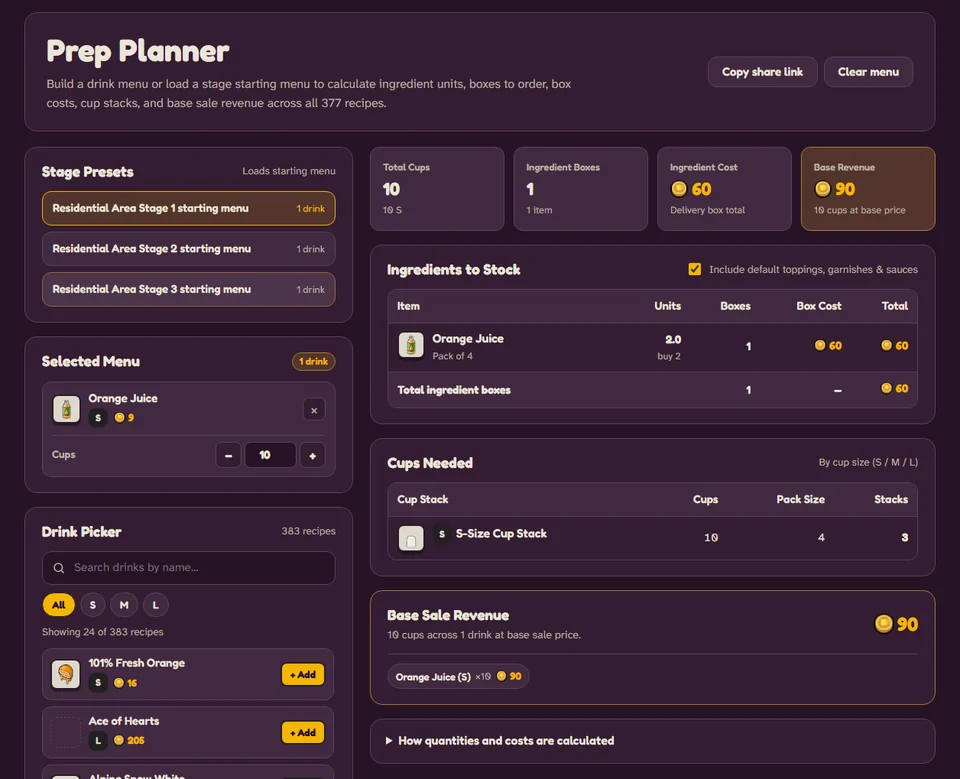
Phone deliveries are billed alongside daily rent and utility charges during nightly settlement rather than upfront, so keeping enough cup coins in reserve stops you from going bankrupt. Overstocking slow-moving supplies on tight starting funds creates cash-flow trouble, and each delivered box costs its unit count times unit price adjusted by active challenges or devil bonuses. Before calling in morning cartons, load your menu in the prep planner to estimate boxes, cup stacks, and revenue.
Each served drink starts from its base recipe price minus default toppings and condiments, then adds back the price of every extra you actually serve. Customers pay a tip only on a Good Review, where the base tip starts at 20% of base pay with a minimum of 1 coin before multipliers apply. Every sale also carries a 5% base critical chance that adds extra pay equal to base payment times the critical multiplier, while quick serves, just-in-time serves, combos, stress, and roguelite cards further adjust payout multipliers.
Opening a demon gift grants a Demonic Ability card, whereas signing a devil contract trades a single-day bonus for a lasting Cost debuff that persists after the day ends. Once a multi-day business cycle finishes, your remaining cup coins, cards, and Costs are collected and converted into Cash for home spending; check the best cards and builds guide to see how the 255 cards scale pay and tips.
Store Stars, Popularity, and Combos
Your shop’s star rating starts at the stage’s base rating and climbs by 1 after each completed business day up to the stage’s star cap. Whenever the store’s star rating meets or exceeds a recipe’s menu rank across tiers 1 through 10, new entries enter the unlock pool, bringing harder recipes with higher profit potential.
Higher store stars also bring stricter visitors across customer ranks 1 through 5: rank 1 spawns up to 2 stars, rank 2 up to 4 stars, rank 3 up to 6 stars, rank 4 up to 8 stars, and rank 5 up to 10 stars. Higher-star visitors pay more popularity per drink but lose patience faster — rank 1 small-cup visitors allow 40 seconds in line and 60 seconds waiting for a 1x popularity multiplier, whereas rank 5 versions drop to 32 seconds in line and 56 seconds waiting for a 1.2x multiplier. At 3 stars and above, high-end guests also prompt timed welcome greetings when they visit.
Serving an order grants base popularity of 30 points for a perfect serve (plus extra-topping bonuses), 15 for a good serve, or 5 for a bad serve. Chaining each Good Review builds your combo, adding 2.5 bonus popularity per step after the first up to a base cap of 25 (with certain cards raising that cap to 50 or 150) before multiplying by the customer’s and recipe’s popularity multipliers. A single drink mistake, a timed-out order, or handing out drinks out of pickup queue order breaks your combo, except when you prioritize customers with children, whose priority service keeps your streak intact. Inspect all 9 customer groups and 2 guest types in the customers database and read special-guest rules in the customers guide.
Stress, Overtime, and Recovery
Every player character carries a base maximum stress of 25. Starter character Bear boosts max stress by 20% through his Resilience skill and moves heavy items with zero carry-speed penalty. Working past the orange closing segment forces unpaid overtime that drives stress up rapidly, and delivering a drink with two or more errors produces a Bad Review and raises stress. Letting a waiting customer walk out before ordering or letting an accepted drink time out raises stress across the entire team. Blocking walkways with boxes, leaving trash (+2 per bin or bag) or heavy floor stains (+5) overnight, serving later customers ahead of a child, or accepting stress-heavy Cost debuffs all push the meter closer to overload.
Your character’s head color shifts to warn when stress is climbing, and reaching overload stops you from running the counter until you recover. Feed the Cups supports solo shifts, local 2-player co-op, and 2 to 4 players online, and multiplayer teammates automatically assist an overwhelmed partner by standing nearby so the stress divides evenly among them. For party-size card scaling see the co-op multiplayer guide, or read the solo guide when running shifts alone.
Residential Area Stages and Clear Rewards
Residential Area is Chapter 1, open from the start with a Mixed Drinks focus across 4 stages, beginning with the tutorial store as Stage 1; the free demo plays Stages 1 through 3.
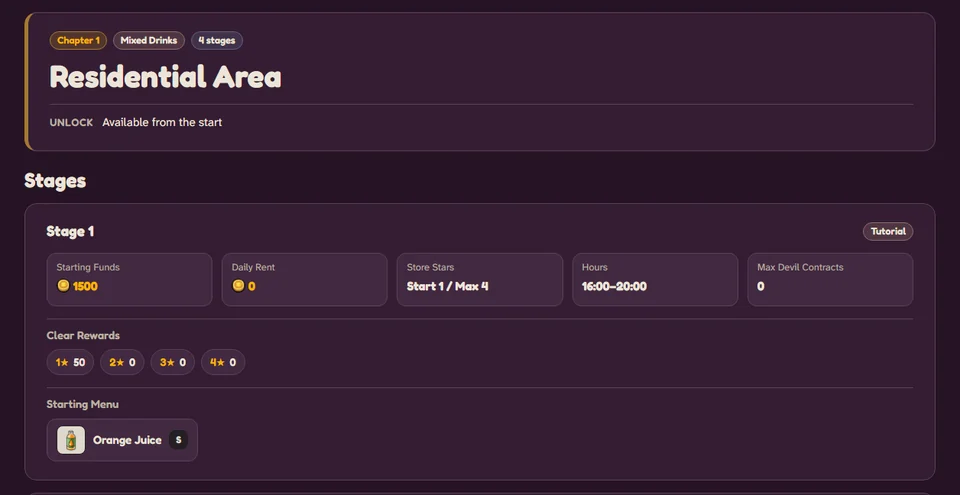
| Stage | Funds | Rent | Stars | Hours | Starting menu |
|---|---|---|---|---|---|
| Stage 1 (Tutorial) | 1500 | 0 | 1 to 4 | 16 to 20 |  Orange Juice |
| Stage 2 | 1500 | 10 | 1 to 6 | 12 to 16 |  Clean Water |
| Stage 3 | 1500 | 15 | 1 to 7 | 15 to 19 |  Fresh Lemon Water |
- Stage 1 (the tutorial store) starts with 1,500 cup coins, 0 daily rent, 0 devil contract slots, a 50 reward at 1 star, and small Orange Juice (base price 9, made from 2 portions of bottled juice) while introducing sugar and
 Nata de Coco under Novice Protection, which stops ordered customers from leaving and disables overtime and clutter stress.
- Stage 2 removes Novice Protection, introduces 10 daily rent and up to 3 devil contract slots, opens on small Clean Water (base price 6), brings in the Ice Machine for cold picks like
 Iced Lemon Water, extends shift hours by 0.5 hours per day up to 16, and pays clear rewards of 100, 500, 1,000, and 1,500 across star levels. Higher difficulties in Stage 2 upgrade the starting recipe to a medium cup and raise customer count by 50%, and clearing Stage 2 on the lowest difficulty completes
 Dream Chaser and unlocks
 Wolf.
- Stage 3 raises rent to 15 coins and devil contracts to 4, starts on Fresh Lemon Water (base price 12) using hand-squeezed
 Fresh Lemon (one portion per lemon), adds a chopping board for sliced garnishes on later drinks such as Fresh Lemon Juice, expands hours by 0.5 hours per day up to 19, and scales clear rewards to 150, 750, 1,500, and 2,250. Its added modifiers bring medium Fresh Lemon Juice into the starting menu, introduce Troublemakers who flee without paying unless caught, and trigger a random 1-hour daily rush hour.
Chapter Progression, Home Upgrades, and Next Steps
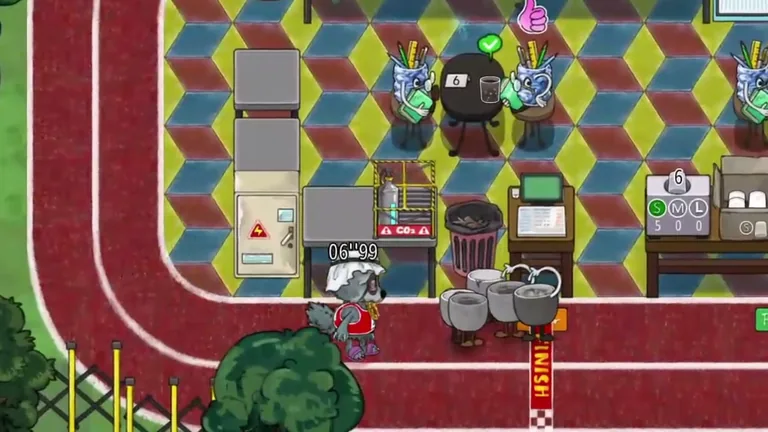
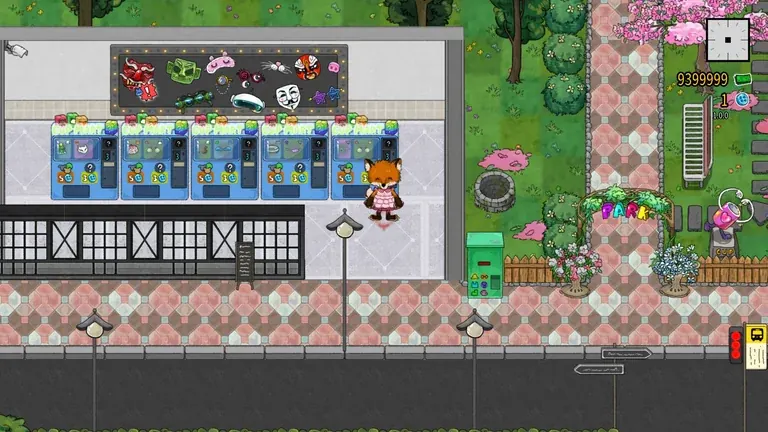
From Residential Area, the map spans 32 stages (4 per chapter) across all 8 chapters, moving into Food Street, Office Building, Chic Park, Stadium, Ancient Street, Amusement Park, and Bar Street. Each chapter unlocks after clearing Stage 4 of the previous chapter, while Stage 4 of Residential Area and Chapters 2 through 8 are locked in the demo. Browse every map in the chapters database or read full unlock rules in the chapters and stages guide.
Between runs, spend Cash to expand  Tiny House into
 Bigger House for 200 Cash (adding a trophy display slot for devil bonuses unlocked via your cleared-stage devil count) and
 House with a Bedroom for 5,000 Cash, with 96 pieces of furniture in the home catalogue; check the home upgrades guide for room unlocks and furniture costs. Further home expansion opens the Subway Station and its 1-day Direct Store Challenge across cleared stages — detailed in the Subway challenge guide. Tracking all 18 achievements in the achievements guide unlocks extra characters and house blueprints early — serving 100 cups clears
 100 Cups Sold to unlock
 Fox, and clearing 4 stores in Residential Area completes
 Clean and Hygienic.
The Steam release runs on Windows and Mac with full gamepad support, while the platforms guide covers desktop and console availability and the controller and handheld guide covers gamepad setup. The game retains up to 10 rotating autosaves alongside a daily backup kept for 30 days, and you can find folder paths and backup steps in the save file location guide.
In This Guide
Sources
- Feed the Cups game files (Steam build 25975646 (demo 2400400, extracted 2026-11-21))
- Steam Store Page — Feed the Cups (App 2336220)https://store.steampowered.com/app/2336220/
- Steam Developer Announcements — Feed the Cups (App 2336220)https://store.steampowered.com/news/app/2336220/
- Developer gameplay footage